

Holiday Tech Travel Tips: Staying Connected and Secure on the Go
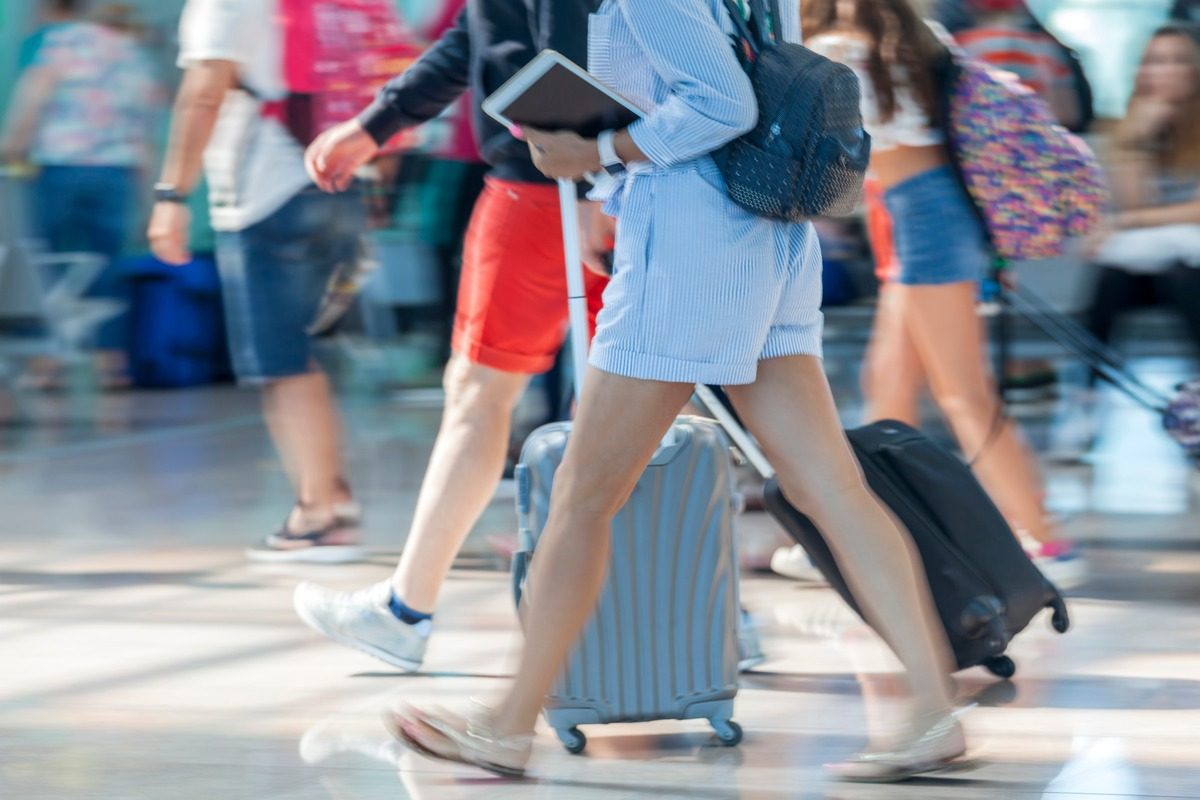
The holiday season takes us to new destinations and long-overdue reunions. But amidst the excitement, potential security risks increase. In the chaos of holiday travel, it’s easy to become vulnerable to bad actors looking to exploit distracted, out-of-routine travelers.
Here are our practical cybersecurity tips for holiday travel — so you can enjoy your trip without the security headaches.
1. Secure Your Devices Before You Leave
Prepare before you go, not after you’ve arrived at the airport:
- Update all software, operating systems, and firmware on every device you’re bringing.
- Ensure your antivirus and malware protection are active and current.
- Enable full-disk encryption on laptops and mobile devices.
- Set a strong lock screen PIN or password on every device.
2. Be Careful on Public Wi-Fi
Public Wi-Fi networks in airports, hotels, and coffee shops are common vectors for credential theft and eavesdropping. Avoid conducting sensitive transactions — banking, accessing work systems, entering passwords — over public Wi-Fi. If you must use public Wi-Fi, run everything through a VPN.
Always verify the legitimacy of the network before connecting. Ask hotel staff for the exact Wi-Fi network name — attackers sometimes set up fake hotspots with similar names.
3. Protect Personal Information
Be mindful of what you post on social media while traveling. Sharing your location in real time can signal to bad actors that you’re away from home — or can reveal information useful for social engineering attacks. Enable remote tracking and wipe capabilities on your devices in case of theft or loss.
4. Safeguard Your Digital Transactions
Use trusted payment apps and credit cards for financial transactions while traveling. Regularly check your financial accounts for unauthorized activity. Report anything suspicious immediately — the sooner you catch it, the easier it is to resolve.
5. Pack Essential Tech Accessories
Beyond charging cables and power banks, consider:
- A portable Wi-Fi hotspot for reliable, private connectivity in areas with uncertain network coverage
- A travel-sized laptop lock for securing devices in shared spaces
- A privacy screen for laptops and phones to prevent shoulder surfing in airports and cafes
6. Back Up Your Data Before Departure
Back up all your devices before your trip. Use a reputable cloud backup service for accessibility and security, and keep a local backup on an external drive or USB as a fail-safe in case of loss or device failure.
7. Disable Bluetooth and Location Services When Not in Use
Attackers can exploit Bluetooth connections to access nearby devices. Disable Bluetooth and location services when you’re not actively using them. This also extends your battery life.
8. Enable Two-Factor Authentication
Before you travel, enable two-factor authentication (2FA) on all important accounts — email, banking, work systems, social media. If your device is compromised or your password is stolen, 2FA prevents unauthorized access.
9. Stay Informed and Updated
Keep an eye on current cybersecurity advisories and travel alerts for your destinations. Check for software updates throughout your trip — security patches can be time-sensitive. Staying current reduces your vulnerability window.
Whether you’re traveling for the holidays or just working remotely, Key MSP helps San Diego businesses maintain strong security postures for their teams wherever they work. If your team uses company devices on the road, let’s talk about a mobile device management and security policy that keeps your data protected.
Related articles
AI Safety for SMBs: Before Your Team Hands Company Data to LLMs
AI tools are moving into everyday business workflows faster than most companies can evaluate them. Here's how to govern AI use before sensitive data is exposed.
Read article
Protecting Your Business from the Microsoft Excel Remote Code Execution Vulnerability
A patched Microsoft Excel vulnerability allowed attackers to execute code remotely by sending a malicious Excel file. Here's how to protect your business and stay safe.
Read article