

Your Password Isn't Enough: Why Every Business Needs Multi-Factor Authentication
Imagine arriving at work on a Tuesday morning, ready to tackle your to-do list, only to find your critical business accounts locked. Your customer data, financial records, maybe even your company emails — compromised. All because a cybercriminal got their hands on one employee’s password.
It sounds extreme, but it’s an increasingly common reality for businesses in San Diego and across the country. The hard truth: even strong password policies aren’t enough. Passwords get guessed, phished, leaked in third-party breaches, and reused across sites.
There’s a powerful, readily available defense: Multi-Factor Authentication (MFA).
The Password Problem
Why are passwords — even strong ones — so vulnerable?
- Human nature: People reuse passwords or create predictable patterns.
- Phishing scams: Clever emails or fake sites trick users into handing over credentials.
- Brute force attacks: Automated tools try millions of combinations rapidly.
- Credential dumps: Passwords stolen from other websites are sold online and tested against every service they can reach.
Relying solely on a password is like trying to carry water in a leaky bucket. It just isn’t secure enough for your valuable business data.
What Is Multi-Factor Authentication?
MFA requires anyone trying to log in to prove their identity in more than one way. While a hacker might steal a password, it’s much harder to steal two or more different types of credentials simultaneously.
Two-Factor Authentication (2FA) is the most common form of MFA — requiring exactly two distinct pieces of proof.
The Three Factors of MFA
MFA combines verification methods from at least two of these categories:
- Something you know: Your password or PIN.
- Something you have: A physical item in your possession, such as:
- Your smartphone (a code from an authenticator app like Microsoft Authenticator or Google Authenticator)
- A code sent via SMS text message (less secure than an app, but better than nothing)
- A hardware security key (like a YubiKey)
- Something you are: Biometric traits such as a fingerprint scan or facial recognition.
The most common and effective setup combines a password (something you know) with a time-sensitive code from an authenticator app (something you have).
Why MFA Is Non-Negotiable for Businesses
- Dramatically reduced risk: MFA blocks the vast majority of automated attacks targeting account compromises. Stolen passwords become largely useless to attackers.
- Protection from phishing: Even if someone falls for a phishing scam and provides their password, attackers still can’t access the account without the second factor.
- Secures your remote and hybrid workforce: MFA ensures only legitimate users gain access to company resources, regardless of where they’re working from.
- Protects sensitive data: A stronger lock on customer information, financial records, and intellectual property reduces your exposure and protects your reputation.
- Meets compliance and insurance requirements: Many industry regulations (HIPAA, CMMC, and others) and cyber insurance policies require MFA as a baseline security control.
Where to Start with MFA
You don’t need to implement MFA everywhere overnight. Start with your highest-risk access points:
- Email accounts: Especially cloud platforms like Microsoft 365.
- VPN and remote access: Anyone logging into your network from outside the office.
- Cloud applications: CRMs, financial software, and file-sharing platforms.
- Administrator accounts: Any account with elevated privileges deserves extra protection.
How Key MSP Helps You Deploy MFA
Understanding the need for MFA is one thing; implementing it smoothly across your business is another. Which systems need it? Which MFA methods work best for your team? How do you manage it all without disrupting productivity?
That’s where Key MSP comes in. As your dedicated IT partner, we take the complexity out of cybersecurity:
- Security assessment: We analyze your current setup to identify the highest-risk areas.
- Tailored solutions: We recommend and configure MFA tools that best fit your needs, budget, and existing technology.
- Smooth rollout: We manage the deployment process with minimal disruption to your team.
- Employee training: We provide clear guidance so your staff understands why MFA matters and how to use it.
- Ongoing management: We help maintain the MFA system, support users, and keep it effective as your business evolves.
Don’t Leave Your Digital Door Unlocked
Relying solely on passwords is a gamble no business can afford to take. Multi-Factor Authentication is a fundamental security control for any modern business — not a nice-to-have.
Contact Key MSP for a Security Consultation | (888) 619-0741 | [email protected]
Related articles
Meet Claude Cowork: The AI Teammate Built for Small Business Owners
Claude Cowork is Anthropic's desktop AI built for non-developers — it lives on your computer, connects to your tools, and actually does the work. Here's why it matters.
Read article
Custom App & Web Development Services for San Diego Businesses
Key MSP now offers full stack custom app development, web development, and API integration for San Diego businesses. Local team, flat pricing, no agency markup.
Read article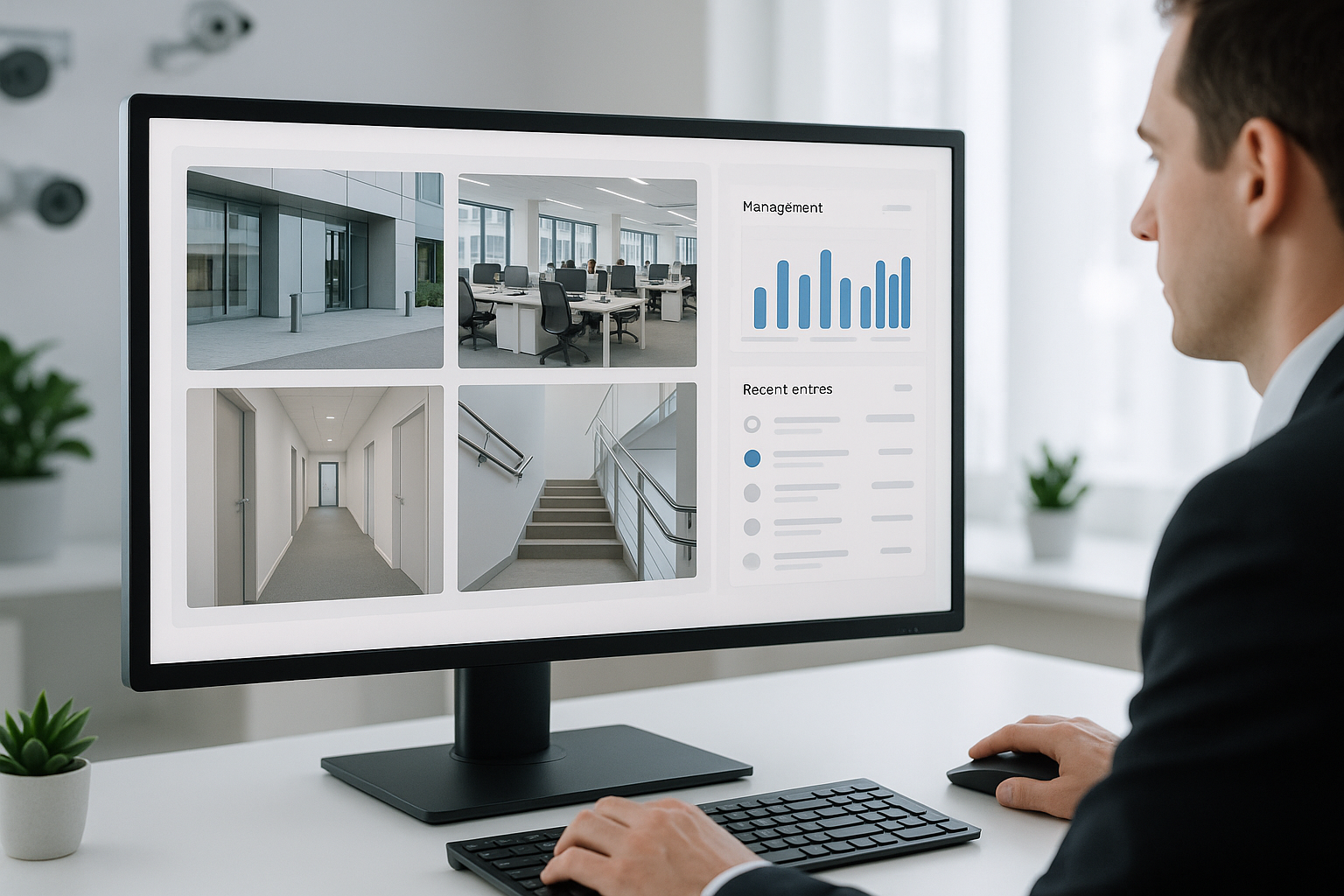
UniFi Camera Systems: A Smarter Alternative to Traditional CCTV
UniFi's IP camera platform offers simpler installation, better remote access, and cleaner management than traditional CCTV. Here's how the two compare.
Read article