

Unlocking the Benefits of Password Managers: Say Goodbye to Weak Passwords
In today’s digital world, passwords are the keys to everything — email accounts, banking, client data, business applications. With so many accounts to manage, it’s easy to fall into the trap of reusing passwords or choosing ones that are simple to remember but simple to guess. This leaves individuals and organizations vulnerable to credential theft, account takeover, and identity fraud.
One of the most effective ways to protect your online accounts is also one of the simplest: use a password manager.
The Benefits of Using a Password Manager
1. Strong, Unique Passwords for Every Account
A password manager generates strong, complex passwords automatically — ones that are far harder to crack than anything a person would invent. You don’t need to remember them. The password manager does. This means every account can have its own unique, strong password with no effort on your part.
2. Convenience Without Compromise
With a password manager, you only need to remember one master password to access all your others. This simplifies account management dramatically and removes the temptation to reuse passwords across sites.
3. Encrypted, Secure Storage
Password managers encrypt your credentials and store them in a secure vault. Your passwords are protected from unauthorized access even if the device you’re using is compromised.
4. Auto-Fill and Auto-Login
Most password managers include auto-fill and auto-login features. You don’t manually enter credentials each time — the manager handles it automatically, saving time and reducing friction.
5. Multi-Device Synchronization
Your passwords are available on every device you use — laptop, phone, tablet — and stay in sync automatically. No more being locked out because a password is only saved on one device.
Choosing the Right Password Manager
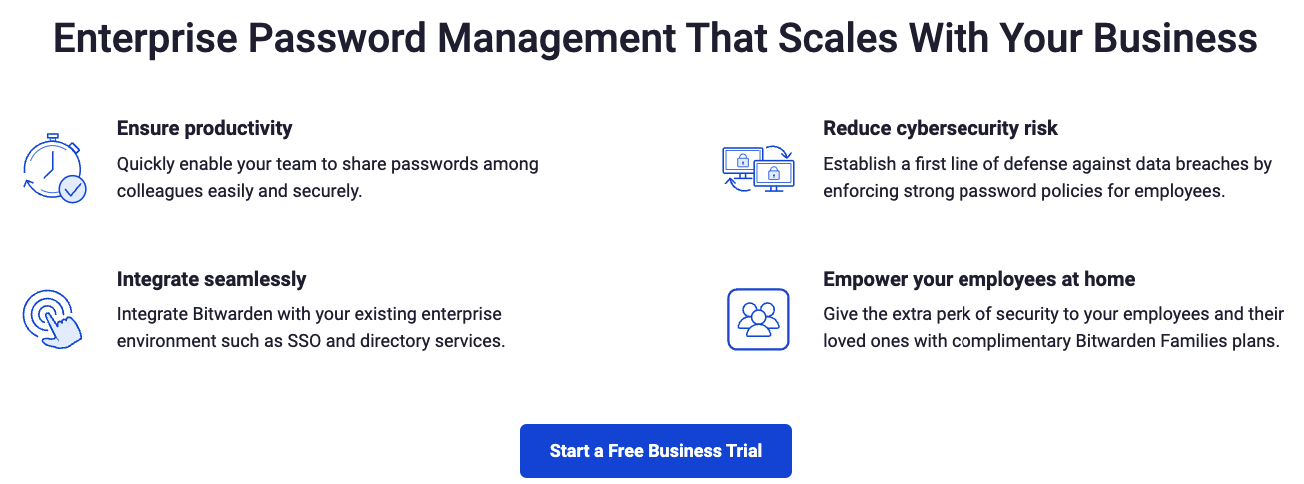
When selecting a password manager, consider security features, ease of use, enterprise controls, and device compatibility. Our recommended choice is Bitwarden, which offers:
- Strong encryption and open-source transparency
- Enterprise admin controls for team deployments
- User-friendly interface across all major platforms
- Free tier for individuals, affordable plans for businesses
Pair your password manager with two-factor authentication (2FA) on every account that supports it for an additional layer of protection.
Using a password manager is a foundational step in protecting your business from credential-based attacks. Key MSP can deploy and manage Bitwarden for your entire organization — handling setup, user provisioning, and policy configuration.
Related articles
Meet Claude Cowork: The AI Teammate Built for Small Business Owners
Claude Cowork is Anthropic's desktop AI built for non-developers — it lives on your computer, connects to your tools, and actually does the work. Here's why it matters.
Read article
Custom App & Web Development Services for San Diego Businesses
Key MSP now offers full stack custom app development, web development, and API integration for San Diego businesses. Local team, flat pricing, no agency markup.
Read article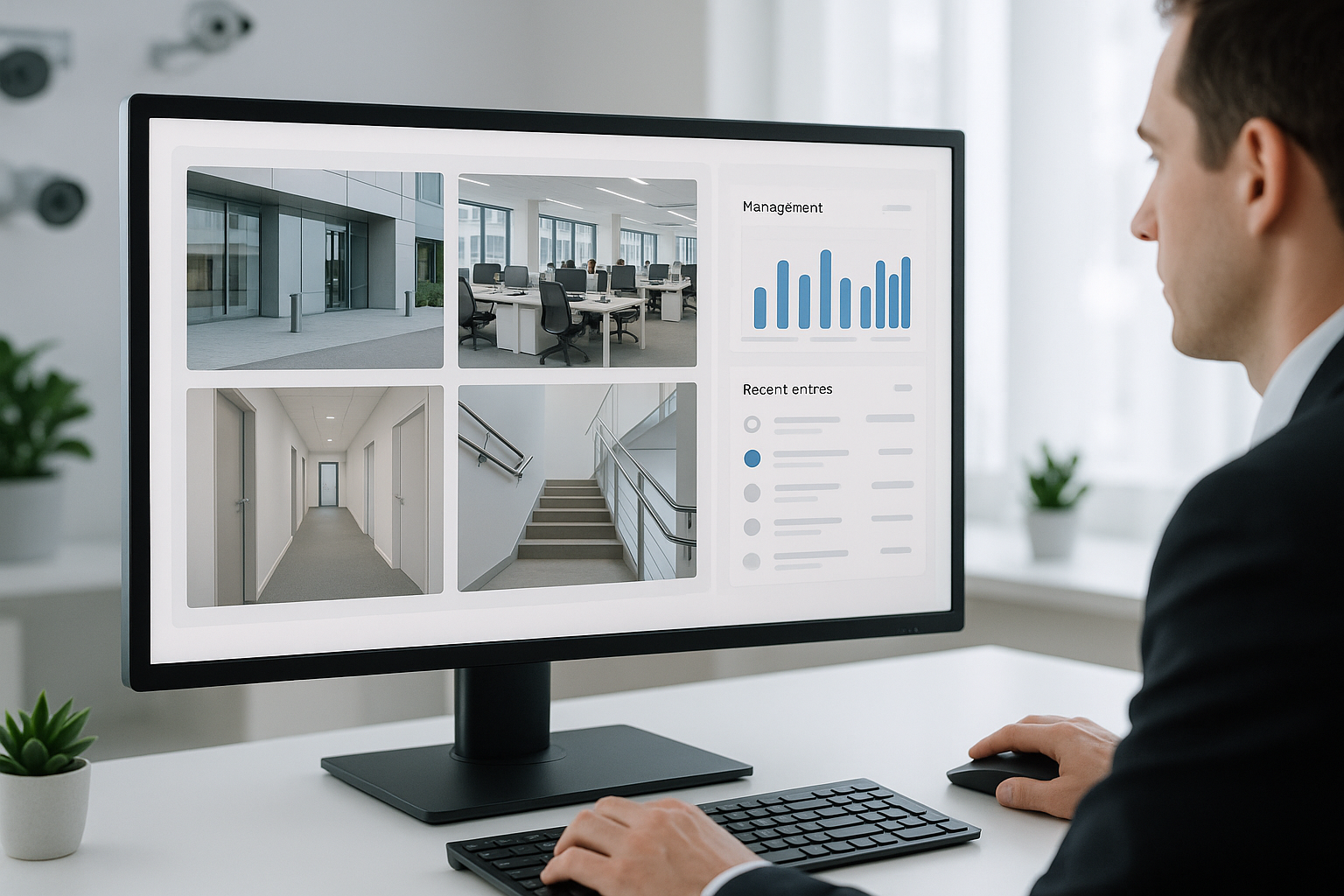
UniFi Camera Systems: A Smarter Alternative to Traditional CCTV
UniFi's IP camera platform offers simpler installation, better remote access, and cleaner management than traditional CCTV. Here's how the two compare.
Read article