

Lock Down Your Accounts with 2FA/MFA: The Ultimate Guide to Online Security
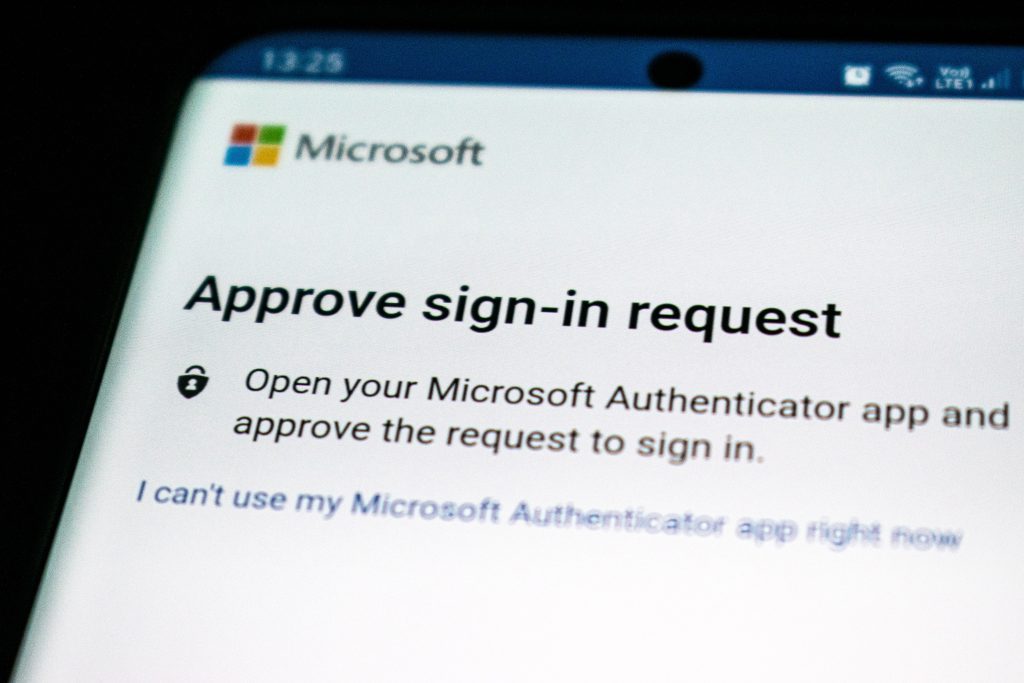
Security is more important than ever, especially when so much of our personal and business information lives online. One of the most effective defenses against unauthorized access is also one of the most underused: two-factor authentication (2FA) and multi-factor authentication (MFA).
What Is Two-Factor Authentication?
Two-factor authentication is a security measure that requires two forms of identification before allowing access to an account. Typically, the first factor is a password or PIN — something you know. The second factor is something you have or something you are.
Common second factors include:
- A code generated by an authenticator app (like Microsoft Authenticator or Google Authenticator)
- A code sent via SMS text message
- A hardware security key (like a YubiKey)
- A biometric scan — fingerprint or facial recognition
Even if a hacker obtains your password, they still cannot access your account without the second factor.
Why 2FA Is Important
Passwords alone are no longer sufficient. Cybercriminals use phishing, brute force attacks, credential stuffing, and other techniques to obtain passwords at scale. Once they have a password, they can access every service where it’s reused.
2FA directly neutralizes these attacks:
- Against phishing: If a user falls for a phishing scam and hands over their password, the attacker still can’t log in without the second factor.
- Against credential stuffing: Stolen passwords from one breach are useless against accounts protected by 2FA.
- Against brute force: Even if an attacker guesses a password, the second factor blocks them.
2FA also provides significant protection against identity theft for accounts containing sensitive personal or financial information.
Multi-Factor Authentication (MFA)
MFA extends the concept of 2FA by requiring three or more authentication factors. For example: a password, a fingerprint scan, and a code from an authenticator app. MFA is appropriate for accounts that require the highest level of protection — administrative access, financial accounts, or systems containing sensitive client data.
How to Enable 2FA/MFA
Most websites and cloud services include a 2FA option in their security settings. Look for it under “Security,” “Account settings,” or “Privacy.” Common options include authenticator app codes (the more secure choice) or SMS text codes (simpler but less secure).
For business environments with many users, deploying and managing 2FA across all accounts is straightforward with the right tools. Key MSP helps San Diego businesses implement and maintain 2FA/MFA across their Microsoft 365 environment and other critical platforms.
Setting up 2FA is one of the highest-impact security improvements any individual or business can make — and it takes just a few minutes per account. If you need help deploying MFA across your organization, our team is here to make it easy.
Get Started with Key MSP | (888) 619-0741 | [email protected]
Related articles
Meet Claude Cowork: The AI Teammate Built for Small Business Owners
Claude Cowork is Anthropic's desktop AI built for non-developers — it lives on your computer, connects to your tools, and actually does the work. Here's why it matters.
Read article
Custom App & Web Development Services for San Diego Businesses
Key MSP now offers full stack custom app development, web development, and API integration for San Diego businesses. Local team, flat pricing, no agency markup.
Read article
UniFi Camera Systems: A Smarter Alternative to Traditional CCTV
UniFi's IP camera platform offers simpler installation, better remote access, and cleaner management than traditional CCTV. Here's how the two compare.
Read article